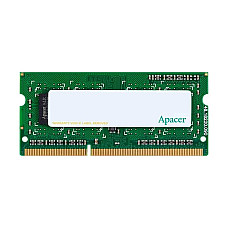
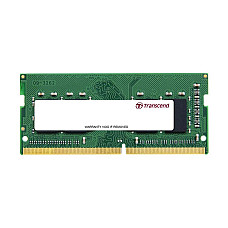
Laptop RAM Price in BD — Genuine SO-DIMM Memory Upgrades at Computer Village
In Bangladesh, Laptop RAM price depends mainly on capacity (4GB–32GB), generation (DDR3L, DDR4, DDR5), and bus speed (2133MHz–4800MHz+). At Computer Village, every module is genuine, backed by official warranty, and matched to your exact laptop model by our in-store technicians before you pay — so you never risk buying memory that won't fit or won't boot.
If your laptop feels sluggish when you open ten browser tabs, freezes during a Zoom class, or takes forever to load a Photoshop file, the RAM is very often the real bottleneck — not the processor. This page breaks down everything a buyer in Bangladesh actually needs to know before spending money on a memory upgrade, based on the compatibility questions our technicians answer in-store every single day.
What Laptop RAM Actually Does (And Why Most Slowdowns Trace Back to It)
RAM (Random Access Memory) temporarily holds active tasks so your processor doesn't have to keep reading from the slower storage drive — more RAM means more programs can stay "ready" at once without lag.
Think of RAM as your laptop's short-term workspace. A processor can be fast, but if the workspace is too small, it constantly has to swap data in and out of the hard drive or SSD — the exact stutter you feel when switching between Chrome, Excel, and a Zoom call at the same time. This is why a 5-year-old laptop with a RAM upgrade often feels newer than a brand-new budget laptop that's starved for memory.
Common real-world symptoms our customers describe before an upgrade:
- Browser tabs reload themselves after switching away and back
- Video calls freeze the moment another app opens
- Excel or AutoCAD hangs when files get large
- Games stutter even though the graphics card is capable
If any of that sounds familiar, a RAM upgrade is usually the cheapest performance fix available — cheaper than a new SSD, and far cheaper than a new laptop.
DDR3L vs DDR4 vs DDR5 Laptop RAM — Which Generation Fits Your Laptop
Your laptop's motherboard supports only one RAM generation — you cannot mix DDR3L, DDR4, and DDR5 modules, and each has a physically different notch position so incompatible RAM simply will not fit.
| Generation | Typical Use Case in BD | Notes for Buyers |
|---|
| DDR3L | Laptops from roughly 2012–2016 (older Dell Latitude, ThinkPad Edge, HP ProBook) | Increasingly hard to find; only upgrade if the laptop itself is still worth keeping |
| DDR4 / DDR4L | The vast majority of laptops sold in Bangladesh from 2017 onward | Widest availability, best value, most models in stock across every brand |
| DDR5 | Latest-generation ultrabooks and gaming laptops (12th-gen Intel Core and newer, Ryzen 6000-series and newer) | Faster and more power-efficient, but noticeably pricier and only works in DDR5-native boards |
How to check which one you need: Open Task Manager on Windows, go to the Performance tab, and click Memory — it lists the exact generation and speed already installed. If you're unsure, our technicians can confirm compatibility in seconds from your laptop's model number, whether you visit a branch or message us on WhatsApp.
How to Choose the Right RAM Capacity — Real Buyer Scenarios
Buying more RAM than you need wastes money; buying too little defeats the purpose of upgrading. Here's how Computer Village advises different types of buyers who walk through our doors:
Students and online-class users — Google Classroom, Facebook, YouTube, and a Word document open together rarely need more than a well-configured 8GB module, especially in dual-channel with an existing stick.
Office and admin professionals — Heavy Excel workbooks, multiple Chrome windows, and video conferencing apps running simultaneously perform noticeably better once you cross into the 16GB range.
Developers and IT professionals — Running a code editor, a local server, a browser with 20+ tabs, and possibly a virtual machine at the same time pushes memory demand well past what 8GB can comfortably handle; 16GB is the realistic starting point.
Video editors, 3D artists, and designers — Timeline scrubbing in Premiere Pro, layered PSD files, and rendering queues benefit directly from 16GB minimum, with 32GB recommended for 4K workflows.
Gamers — Modern AAA titles increasingly recommend 16GB as a baseline; pairing two identical modules in dual-channel mode also measurably improves in-game frame stability compared to a single stick of the same total capacity.
A quick rule our sales floor uses: if you can name the exact task that's slowing you down (browser tabs, editing software, a specific game), that task usually tells you the capacity tier you actually need — not the biggest number on the shelf.
Compatibility Checklist Before You Order
Before buying, confirm four things — RAM generation, maximum supported capacity, free/occupied slots, and whether your laptop runs single-channel or dual-channel — to avoid a module that arrives but doesn't work.
- Confirm the generation (DDR3L / DDR4 / DDR5) using Task Manager or your laptop's official spec sheet.
- Check maximum supported capacity. Installing 32GB in a board that maxes out at 16GB either gets ignored or causes boot errors.
- Check free RAM slots. Many budget laptops ship with both slots already filled — meaning you'll need to replace a stick, not add one, unless you check first.
- Match speed and voltage when adding to an existing module. Pairing a 3200MHz stick with an existing 2400MHz one forces both down to the slower speed, so you don't get the performance jump you paid for.
- Confirm SO-DIMM form factor. Laptop RAM (SO-DIMM) is physically smaller than desktop RAM (DIMM) and is not interchangeable — always specify "laptop" or "notebook" RAM when ordering.
Not confident checking this yourself? Send us your laptop's model number on WhatsApp before ordering and our team will confirm the exact compatible part — this single step avoids almost every return request we see.
Single-Channel vs Dual-Channel Laptop RAM — Does It Really Matter?
Running two matched RAM sticks in dual-channel mode gives measurably smoother performance in gaming and creative work than running one stick of the same total capacity, because the processor can access both modules simultaneously instead of one at a time.
A single 16GB stick technically gives you the same "amount" of memory as two 8GB sticks — but the dual-channel configuration doubles the memory bandwidth available to the processor's integrated graphics and multi-threaded tasks. This is why our technicians almost always recommend two matched modules over one large stick, especially for gaming laptops and creative workstations, as long as your laptop has two free slots.
Why Buy Laptop RAM From Computer Village
Choosing where you buy memory matters just as much as choosing the module itself — mismatched, refurbished, or grey-market RAM is one of the most common causes of random blue screens and boot failures we see brought in for repair.
- Genuine stock only — every module sold is sourced through authorized brand channels, never grey-market imports
- Compatibility confirmed before checkout — our sales team cross-checks your laptop model against the module's supported generation, voltage, and speed
- Official warranty coverage — backed by the brand's standard warranty terms, honored directly through our service desk
- 25+ years serving Bangladesh's tech buyers — from the earliest days of BCS Computer City, Agargaon, to nationwide delivery today
- In-house service center — if an upgrade doesn't resolve the slowdown you expected, our technicians can diagnose the actual bottleneck instead of just selling another part
- EMI and flexible payment options on qualifying orders, plus nationwide courier delivery outside Dhaka
This is the difference between a shop that sells you a part and a specialist that solves the actual performance problem you walked in with.
Explore More From Computer Village
A RAM upgrade often pairs well with a few other component refreshes — here's where to look next if you're rebuilding your laptop's overall performance and battery life:
- Pair your new memory with a faster SSD (Solid State Drive) for the single biggest boot-time improvement you can make
- Building or upgrading a desktop instead? Browse our Desktop RAM collection
- Running a battery that no longer holds charge alongside your memory upgrade? Check Laptop Battery replacements
- Keep your upgraded system powered safely with a compatible Laptop Charger & Adapter
- Heavy multitaskers and gamers should also look at a Laptop Cooler to protect the new memory from heat-related throttling
- Shopping for a new machine instead of upgrading an old one? See our full Gaming Laptop range, all pre-configured with modern DDR4/DDR5 memory
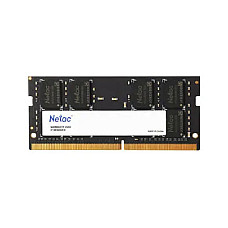
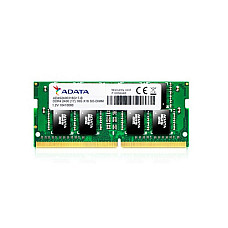
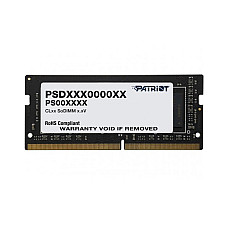
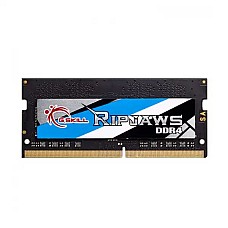
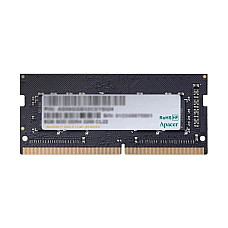
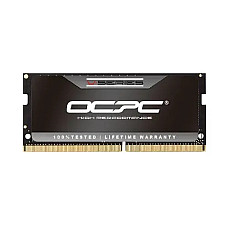
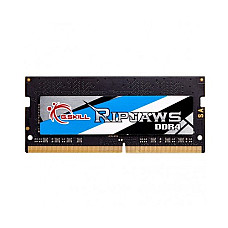
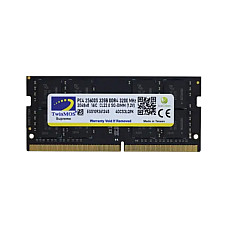
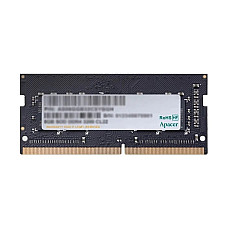
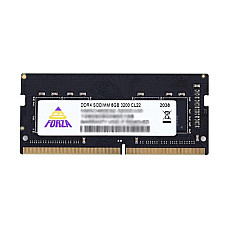
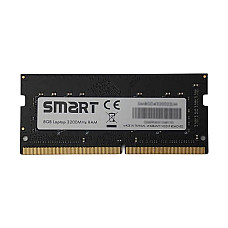
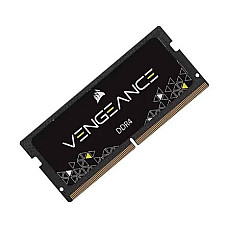
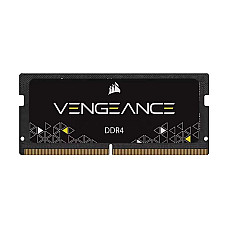
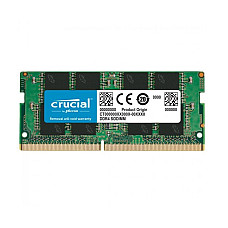
Popular in-stock laptop RAM modules our customers reorder most often:
Frequently Asked Questions
Is laptop RAM different from desktop RAM?
Yes. Laptop RAM uses the smaller SO-DIMM form factor, while desktops use the larger DIMM modules — they are not physically interchangeable regardless of matching generation or speed.
Can I mix two different brands of RAM in the same laptop?
It can work if the generation, speed, and voltage match exactly, but using two identical modules from the same brand and batch is the safer choice for long-term stability.
How much RAM do I need for gaming laptops in BD?
16GB running in dual-channel mode is currently the realistic baseline for smooth modern gaming, with 32GB recommended for streaming while gaming or running demanding creative software alongside games.
Will adding more RAM void my laptop's warranty?
For most consumer laptops with a user-accessible RAM slot, upgrading memory does not void the warranty. Some ultra-thin models solder RAM directly to the motherboard, making upgrades impossible — our team can confirm this from your model number before you order.
How do I know if my laptop supports DDR5?
Only recent-generation laptops (12th-gen Intel Core and newer, or Ryzen 6000-series and newer in most cases) support DDR5. Checking Task Manager's Memory tab or your laptop's official specification sheet confirms this instantly.
Where can I buy genuine laptop RAM with warranty in Bangladesh?
Computer Village supplies genuine, brand-authorized laptop RAM with official warranty coverage, in-store compatibility checks, and nationwide delivery — visit our Agargaon showroom or order through our website.
Not sure which module fits your exact laptop model? Message our team on WhatsApp with your laptop's brand and model number, and we'll confirm the compatible RAM before you order.