Internal HDD Price in BD: Bulk Storage That Fits the Job, Not Just the Budget
At Computer Village, the internal HDD price in BD runs from around 4,800 BDT to 130,000 BDT. The price depends on capacity, drive family (desktop, surveillance, NAS or enterprise), spindle speed and warranty. Prices change often with import costs and stock, so always check the live price on our website before you buy.
An internal hard disk drive is still the cheapest way to keep terabytes of data inside a PC, DVR, NVR or NAS. SSDs win on speed. A 3.5-inch spinning drive still wins on cost per terabyte, and that matters when you are storing CCTV footage, raw video, game libraries or years of office files. At Computer Village, we help buyers across Bangladesh pick the right drive from Seagate, Western Digital, Toshiba and Synology, from a single 1TB backup disk to an 18TB enterprise drive.
Which Internal HDD Should You Buy? Start With Your Workload
Choose the drive family by where the disk will live and how many hours a day it will run. Capacity comes second.
Most wrong purchases we see at our counter happen because someone bought on capacity and price alone. A desktop drive put inside a 24/7 DVR, or a surveillance drive used as a gaming disk, will work, but it is not built for that job. Here is how the four families differ:
| Drive family | Built for | Typical workload rating | Example series |
|---|
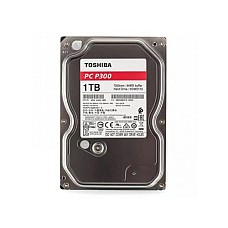
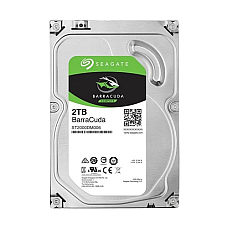
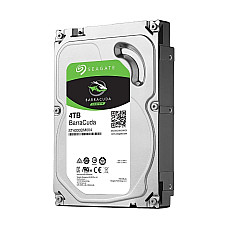
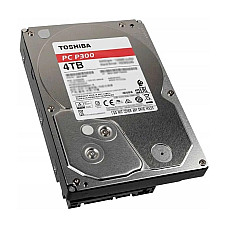
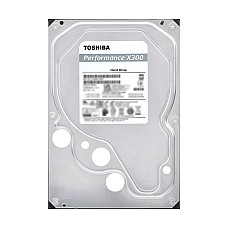
| Desktop HDD | Home and office PCs, game libraries, file storage (8 to 10 hours a day) | About 55 TB/year | Seagate BarraCuda, Toshiba P300, Toshiba X300, WD Blue |
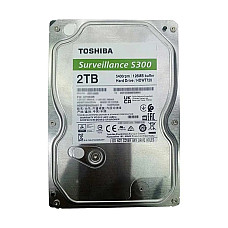
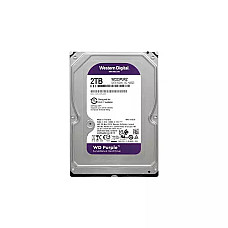
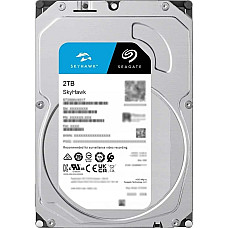
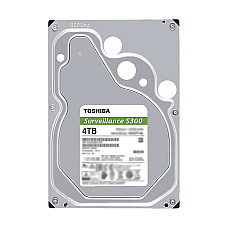
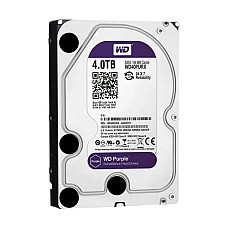
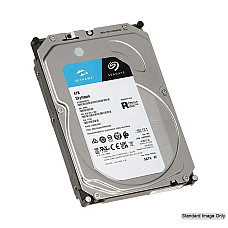
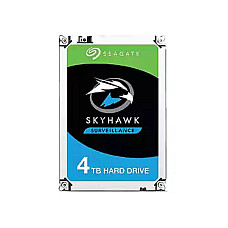
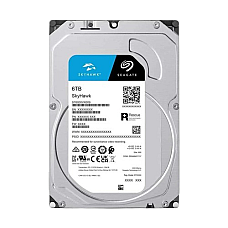
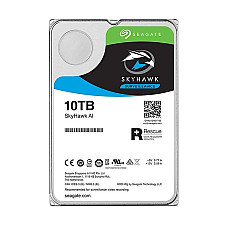
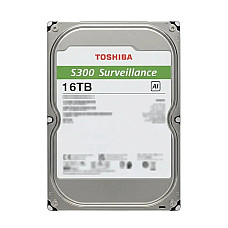
| Surveillance HDD | DVR and NVR recorders running 24/7, writing many camera streams at once | About 180 TB/year | Seagate SkyHawk / SkyHawk AI, WD Purple, Toshiba S300 / S300 AI |
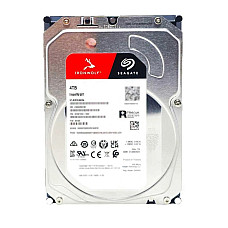
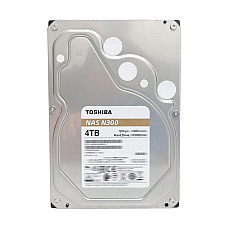
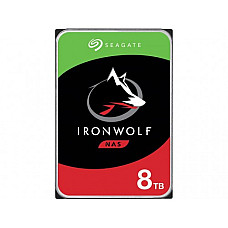
| NAS HDD | Multi-bay network storage, RAID arrays, shared office drives | About 180 TB/year and up | Seagate IronWolf, Toshiba N300 |
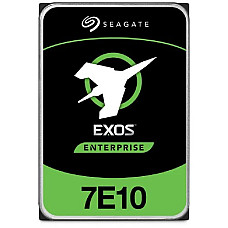
| Enterprise HDD | Servers, data centres, heavy around-the-clock read/write | About 550 TB/year | Seagate Exos, Synology HAT5310 |
Real Buyer Scenarios We Handle Every Week
- A shop owner adding 8 CCTV cameras: a 2TB or 4TB surveillance drive such as WD Purple or Seagate SkyHawk. Its firmware is tuned to keep multiple video streams smooth without dropped frames.
- A student building a budget gaming PC: an NVMe SSD for Windows and games you play often, plus a 2TB or 4TB desktop HDD for the full library and media.
- A video editor drowning in footage: a 7200RPM desktop drive such as Toshiba X300 for active projects, and a high-capacity BarraCuda for archives.
- A small office setting up shared storage: NAS drives such as Seagate IronWolf or Toshiba N300. They handle the vibration of multi-bay enclosures and recover cleanly from RAID errors.
- An IT team expanding a server or large NVR: enterprise or AI-surveillance drives from 8TB to 20TB, rated for constant duty and longer service life.
How to Read an Internal HDD Spec Sheet
Short answer: check capacity, RPM, cache, recording technology (CMR or SMR) and workload rating. Those five numbers tell you almost everything.
- Capacity (1TB to 20TB): the larger the drive, the lower the cost per terabyte. For CCTV, a common rule of thumb is that one 1080p camera recording nonstop uses roughly 20 to 40GB a day. Multiply that by your camera count and the number of days you need to keep footage.
- Spindle speed (5400, 5900 or 7200 RPM): 7200RPM drives load files and apps faster. 5400 and 5900RPM drives run cooler, quieter and use less power, which is ideal for recorders and archives.
- Cache / buffer (64MB to 512MB): a larger buffer helps with bursts of small files and multi-stream writes.
- CMR vs SMR: CMR (conventional magnetic recording) keeps write speed steady and is preferred for NAS and RAID. SMR (shingled) packs data more tightly at lower cost and suits mostly-read storage such as backups and media libraries.
- Interface: nearly every modern internal HDD uses SATA 6Gb/s, which works with any desktop motherboard or recorder made in the last decade. Enterprise models may also offer SAS.
- Workload rating and MTBF: these show how much data the drive is designed to handle each year and how long it is expected to last. Match them to your duty cycle, not just your budget.
Compatibility Checklist Before You Click "Add to Cart"
Confirm form factor, a free SATA port, a SATA power connector and your recorder's maximum supported capacity.
- Form factor: 3.5-inch drives fit desktop cases, DVRs, NVRs and NAS units. Most laptops need 2.5-inch drives.
- Free SATA data port on your motherboard, plus a SATA power cable from the PSU.
- Drive bay: make sure your casing has a free 3.5-inch bay or tool-less cage.
- DVR/NVR limit: many recorders cap supported capacity per bay (for example 6TB, 8TB or 10TB). Check the manual before buying a larger drive.
- Drives above 2TB as a boot drive need GPT partitioning and UEFI mode. As extra storage, they work after a quick initialize-and-format in Windows Disk Management.
Internal HDD vs SSD: Do You Still Need a Hard Disk in 2026?
Yes, if you need lots of storage at a sensible cost. Use an SSD for speed and an HDD for space.
An SSD boots Windows in seconds, while an internal HDD stores several times more data for the same money. That is why most PC builds we assemble pair the two: an SSD for the operating system and active apps, and a hard disk for everything else. For recorders and NAS boxes, high-endurance HDDs remain the standard choice because they handle constant writing at large capacities far more affordably.
Why Customers Trust Computer Village for Internal Hard Drives
Authentic stock, clear labelling, brand warranty support and advice from people who build and repair systems every day.
- Authentic, officially sourced drives from Seagate, Western Digital, Toshiba and Synology, with the warranty terms listed on each product page.
- Honest labelling: if a drive is pre-owned, it is marked clearly in the product name, so you always know exactly what you are paying for.
- After-sales and warranty support handled by our service team, so you are not left chasing claims on your own.
- Transparent, updated pricing on the website, plus help comparing models before you decide.
- Nationwide delivery and in-store pickup for buyers who want to see the product first.
Explore Popular Drives and Related Storage at Computer Village
Ready to shortlist? These in-stock models are buyer favourites, and the categories below help you complete your build:
Frequently Asked Questions About Internal HDDs
What is the internal HDD price in BD?
Internal HDD prices in Bangladesh depend on capacity, drive type, RPM and brand. Entry 1TB desktop drives sit at the low end, while 16TB to 20TB surveillance and enterprise drives sit at the top. Prices change regularly, so check the latest price on the Computer Village website before buying.
Which internal HDD brand is best in Bangladesh?
Seagate, Western Digital and Toshiba are the most trusted internal HDD brands in Bangladesh. Pick by series rather than brand alone: BarraCuda, WD Blue or Toshiba P300 for PCs; SkyHawk, WD Purple or Toshiba S300 for CCTV; IronWolf or N300 for NAS.
Can I use a normal desktop hard disk in a DVR or NVR?
It will usually work, but it is not recommended for 24/7 recording. Surveillance drives are built for constant writing and multiple video streams, which lowers the risk of dropped frames and early failure.
Is a 5400RPM or 7200RPM hard disk better?
A 7200RPM drive is faster for opening files, games and editing projects. A 5400RPM drive is quieter, cooler and more power efficient, making it better for CCTV recorders, NAS units and backup storage.
How much HDD storage do I need for CCTV?
A single 1080p camera recording continuously uses roughly 20 to 40GB per day. Four cameras kept for 30 days typically need about 2TB to 4TB, and eight or more cameras usually call for 4TB to 8TB.
Should I buy an SSD or an internal HDD?
Buy an SSD for speed and an internal HDD for affordable capacity. For most desktops, the best setup is both: an SSD for Windows and apps, and an HDD for files, media and backups.
Do internal HDDs from Computer Village come with warranty?
Yes. New internal hard drives from Computer Village come with brand warranty, and the warranty period for each model is listed on its product page. Our service team helps with warranty claims.