External HDD Price in BD: Find the Right Backup Drive at Computer Village
External HDD price in BD at Computer Village currently starts from around 10,500৳ for a 1TB portable drive and goes up to roughly 48,900৳ for 8TB desktop models. Prices change often with import costs and stock, so please check the live price on our website before you buy.
An external hard disk drive is the most cost-effective way to add terabytes of storage to a laptop, desktop, smart TV or game console without opening anything up. At Computer Village, we've helped thousands of students, photographers, office teams and gamers pick drives that fit their real workload. We don't just push the biggest number on the box. This guide shares the same advice our counter staff give in person.
Which External HDD Should You Buy?
For most buyers, a 2TB 2.5-inch portable HDD with USB 3.2 Gen 1 is the best balance of capacity, portability and value. Choose 1TB if you only back up documents and a phone gallery. Go for 4TB–5TB if you shoot video or keep a large game library. Pick a 6TB–8TB 3.5-inch desktop drive if the drive will sit on a desk as a permanent home or office archive.
Match the Drive to Your Real-Life Job
Capacity sounds like the main decision, but your usage pattern matters more. Here's how we guide customers every day:
| If you are… | Recommended capacity | Drive type | Why it works |
|---|
| A student saving assignments, PDFs and phone photos | 1TB | 2.5" portable, bus-powered | Light, pocket-sized and powered by a single USB cable |
| An office user backing up a work laptop | 1TB–2TB | Portable with password protection | Hardware encryption keeps client files safe if the drive is lost |
| A photographer or content creator | 2TB–5TB | Rugged or shock-resistant portable | RAW photos and 4K footage fill space fast, and field use demands durability |
| A PS5 or Xbox gamer | 2TB–4TB | Portable USB 3.x drive | Stores large game libraries cheaply and frees internal SSD space |
| A small business or family archive | 6TB–8TB | 3.5" desktop drive with adapter | The lowest cost per terabyte, built to stay plugged in |
Spec Decoder: What the Box Actually Means
The four specs that really matter are interface, form factor, capacity and protection features. Everything else is mostly marketing.
USB 3.0, USB 3.1 Gen 1 and USB 3.2 Gen 1 Are the Same Speed
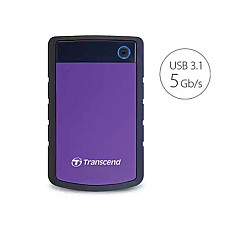
All three names describe the same 5Gbps interface. The label simply changed as the USB standard was renamed. A drive listed as "USB 3.2 Gen 1" is not faster than one labelled "USB 3.0". Real-world mechanical HDD speeds stay around 100–140 MB/s regardless, because the spinning disk is the limit, not the cable.
Micro-B vs USB Type-C Connectors
Most portable drives use a Micro-B USB 3.0 port with a USB-A cable. Newer models such as Toshiba's Canvio Partner use USB Type-C, which plugs straight into modern MacBooks, ultrabooks and Android phones without an adapter.
2.5-Inch Portable vs 3.5-Inch Desktop
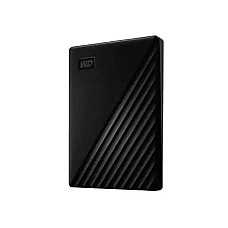
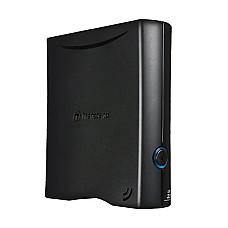
A 2.5-inch drive is powered by your USB port, so one cable does everything. A 3.5-inch desktop drive, such as WD My Book or Transcend StoreJet 35T3, needs its own power adapter. In return, it offers higher capacities at a lower cost per terabyte. If you travel, choose 2.5-inch. If the drive will live beside a desktop PC, 3.5-inch is the smarter buy.
Protection Features Worth Paying For
Look for these features if they match your needs:
- 256-bit AES hardware encryption with password lock, as on WD My Passport.
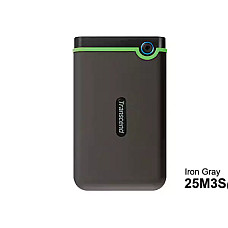
- Shock-resistant casing, as on Transcend StoreJet 25H3 and 25M3, for people who carry drives daily.
- One-touch backup buttons or bundled backup software.
These cost little extra and can save far more than the price of the drive.
Brands You'll Find at Computer Village
We stock external HDDs from Western Digital, Toshiba, Transcend, Apacer and Netac. Each brand suits a slightly different type of buyer.
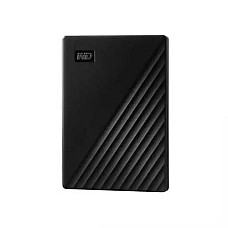
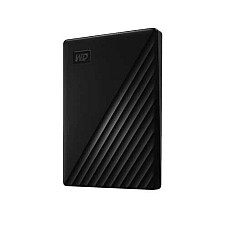
- Western Digital: The My Passport series for everyday portable backup with encryption, and My Book for high-capacity desk storage.
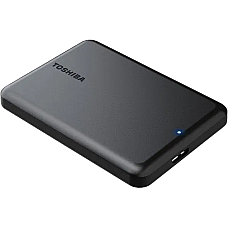
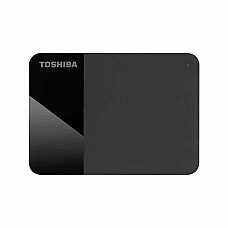
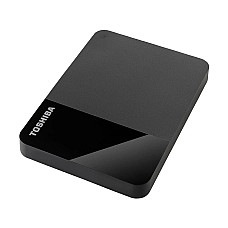
- Toshiba: The Canvio Ready and Canvio Partner lines. They're simple, plug-and-play and popular with first-time buyers.
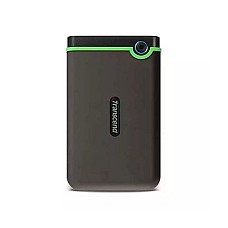
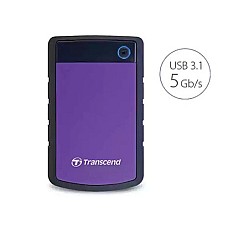
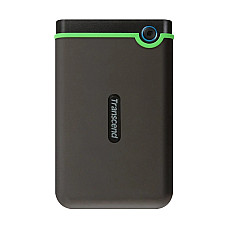
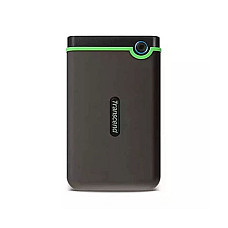
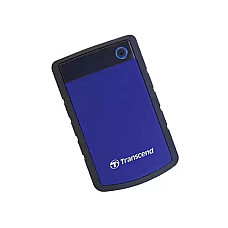
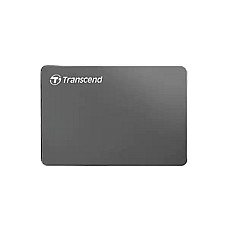
- Transcend: StoreJet 25H3, 25M3, 25C3N and 35T3. These are known for durable, shock-resistant designs and slim aluminium builds.
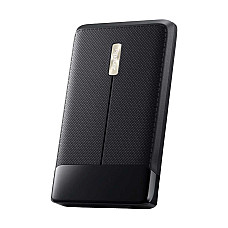
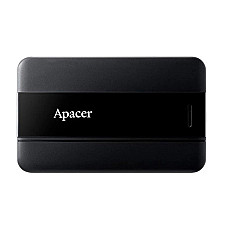
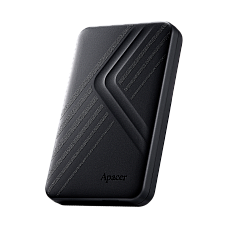
- Apacer: Value-focused 2TB–5TB portable drives for buyers who want more space within a tighter budget.
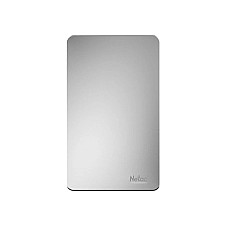
- Netac: Affordable entry-level portable drives for basic file storage and transfer.
External HDD vs Portable SSD: An Honest Comparison
Choose an external HDD when you need the most storage per taka. Choose a portable SSD when speed and drop resistance matter more than capacity. A portable SSD can be several times faster and has no moving parts. But at the same budget, an HDD gives you far more terabytes. Many of our customers use both: a fast SSD for active projects and a large HDD for long-term backup.
Your First 10 Minutes with a New External HDD
These steps prevent most of the "my drive isn't working" calls we receive:
- Check the format. Most drives ship in NTFS, which Windows reads and writes fully. A Mac can only read NTFS. If you use both Windows and macOS, reformat to exFAT.
- Format for your TV or console. Smart TVs and game consoles often need their own format. Let the TV or console format the drive itself, after backing up any files already on it.
- Use a rear USB port on desktops. Front-panel ports sometimes can't supply stable power to bus-powered drives.
- Set up scheduled backups. Use Windows File History, macOS Time Machine or the brand's own software, so backups happen without you remembering.
- Always eject safely. Pulling the cable mid-write is the most common cause of corrupted drives.
Five Buying Mistakes We See Every Week
- Buying too small. Phone videos and game updates grow fast. Moving up a capacity tier usually costs less than buying a second drive later.
- Expecting SSD speeds from an HDD. A mechanical drive is built for storage, not for running heavy software.
- Choosing a desktop drive for travel. A 3.5-inch drive needs mains power and is heavy to carry.
- Keeping only one copy. An external HDD should be a backup, not the only place your files live.
- Buying unboxed or grey-market units. Without valid warranty support, a failed drive becomes a total loss.
Why Buy Your External Hard Drive from Computer Village?
Computer Village is a long-trusted tech retailer in Bangladesh, known for authentic products, brand-backed warranty and transparent online pricing.
- Authentic stock only. Every external HDD comes through official or authorised channels with valid manufacturer warranty.
- Clear warranty terms. The warranty period is shown on each product page, and our team handles claims through brand service channels.
- Honest advice. Our staff use and test these drives, so we'll recommend the capacity you actually need rather than the most expensive one.
- Live, transparent pricing. What you see on our website reflects current stock and pricing.
- Online and in-store. Order online for delivery or visit us to see the drives in person.
Explore Related Storage and Popular External HDDs
Browse more storage options from our range:
Best-selling external hard drives in stock now:
Frequently Asked Questions About External HDDs
What is the external HDD price in BD?
External HDD prices in Bangladesh depend mainly on capacity, form factor and brand. Larger capacities and 3.5-inch desktop drives cost more, but they offer a lower price per terabyte. Since prices change frequently, check the live listings on Computer Village's website before purchasing.
Which external hard drive brand is best in Bangladesh?
Western Digital, Toshiba and Transcend are the most dependable choices for most buyers. WD suits encrypted everyday backup, Transcend suits rugged daily carry, and Toshiba suits simple plug-and-play use. Apacer and Netac are good value options.
Is 1TB or 2TB better for an external HDD?
2TB is better for most people. The price step from 1TB is usually small, and the extra space comfortably handles photos, videos and system backups for years. Choose 1TB only for documents and light file transfer.
Does an external HDD work with both Mac and Windows?
Yes. Most drives come formatted in NTFS for Windows, which a Mac can only read. Reformat the drive to exFAT and it will read and write on both macOS and Windows.
Can I use an external hard drive with a PS5, Xbox or smart TV?
Yes. A USB 3.x external HDD can store games on PS5 and Xbox consoles and play media on most smart TVs. Let the console or TV format the drive first for full compatibility.
How long does an external hard drive last?
With careful handling, an external HDD typically lasts three to five years or more. Avoid drops while the drive is running, always eject it safely, and keep a second backup of irreplaceable files.
Do external HDDs from Computer Village come with warranty?
Yes. Every external hard drive sold by Computer Village carries the manufacturer's warranty. The exact warranty period is listed on each product page, and our team assists with claims.
Should I buy an external HDD or a portable SSD?
Buy an external HDD for maximum storage at the lowest cost, such as for backups, archives and media libraries. Buy a portable SSD when you need much faster transfers and better drop resistance for active work.