Printer Price in BD 2026: Choose the Right Printer with Computer Village
The right printer depends far more on what and how much you print than on the brand name. Computer Village carries more than 270 printers from 13 brands, from pocket-sized thermal receipt printers to network lasers and large-format plotters. Costs start at just a few thousand taka for compact receipt printers and go up to several lakh for large-format and ID card systems. Printer prices move with the dollar rate and supplier stock, so always check the live price on the product page before you order.
For more than 25 years, our printer desk at BCS Computer City, Agargaon, has watched the same story repeat: someone buys the cheapest printer on the shelf and then spends more on ink in six months than the printer itself cost. This guide is built to stop that. It's written the way we'd explain it across the counter, with no jargon walls, just the decisions that actually matter.
The 30-Second Printer Picker
Find your main printing job in the left column, and the right technology is next to it.
| If you mainly print… | Choose | Why it fits |
|---|
| A few school assignments or forms a month | Cartridge inkjet | Lowest upfront cost and simple setup; best for light, occasional use |
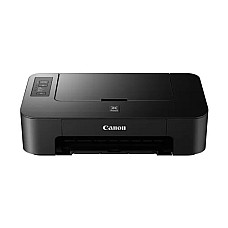
| Regular colour pages, projects or photos at home | Ink tank (EcoTank / refillable) | Refill bottles last thousands of pages, so colour becomes affordable |
| Contracts, letters and office documents every day | Mono laser | Crisp black text, fast output, toner that never dries out |
| A shared office printing hundreds of pages a day | Network laser with auto duplex | LAN sharing, two-sided printing and high monthly duty cycles |
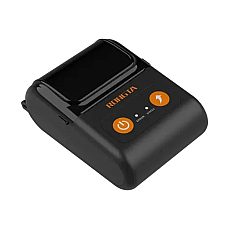
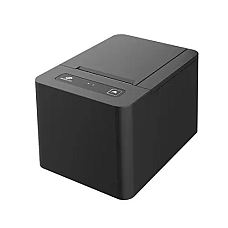
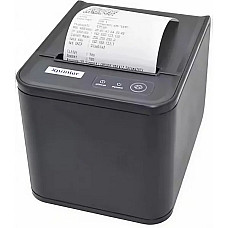
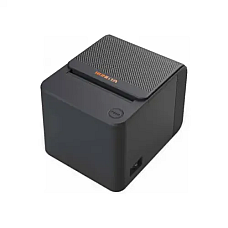
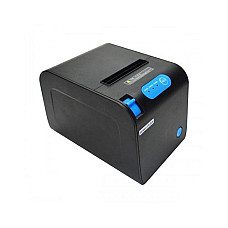
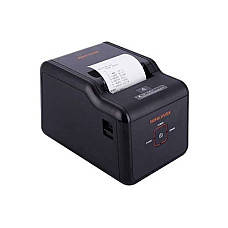
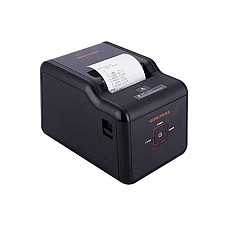
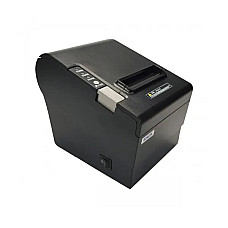
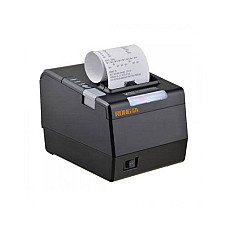
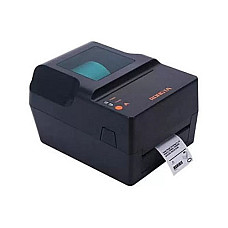
| Shop and restaurant receipts | Thermal POS printer (58mm / 80mm) | No ink at all; prints on heat-sensitive paper in a fraction of a second |
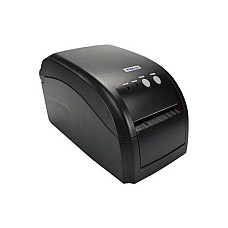
| Barcodes, price tags, courier labels | Label printer | Prints sticker rolls at exact sizes for inventory and delivery |
| Carbon-copy invoices and challans | Dot matrix printer | Impact printing pushes through multi-part forms in one pass |
| Employee or student ID cards | Card printer | Prints edge-to-edge on PVC cards with lasting colour |
Why the Price Tag Is Only Half the Story
The real cost of a printer is its cost per page, not its purchase price. Two printers that cost about the same can have running costs that are worlds apart.
Here's how it plays out in practice. A small cartridge inkjet is cheap to buy, but each cartridge covers relatively few pages. A refillable ink tank printer such as the Epson L3210 is rated at around 4,500 pages from a single black bottle and 7,500 pages from each colour bottle. The Canon Pixma G2010's GI-790 black ink is rated at roughly 6,000 pages. Laser toner sits in between: the Pantum BP5100DN's standard TL-5120 cartridge covers about 3,000 pages, and a high-yield version doubles that.
The rule we give every buyer is simple: if you print more than about 100 pages a month, pay a little more upfront for an ink tank or laser. The savings on refills cover the difference faster than most people expect.
Inside the Technology: What Each Printer Type Really Does
- Inkjet: Sprays microscopic droplets of liquid ink from a print head. It produces excellent colour but uses replaceable cartridges.
- Ink tank: An inkjet with large, refillable tanks instead of cartridges. Epson calls its range EcoTank, and Canon sells its version as the Pixma G series.
- Laser: Uses a drum, static charge and powdered toner fused onto the paper with heat. It's fast, sharp, and doesn't suffer from dried-out ink.
- Thermal (direct): Heats special paper to create the image. It needs no ink, ribbon or toner, which is why it dominates POS counters.
- Thermal transfer: Melts ink from a ribbon onto labels, producing barcodes that resist fading and smudging.
- Dot matrix: Pins strike an inked ribbon. It's slow and noisy but still unbeatable for multi-part carbon forms.
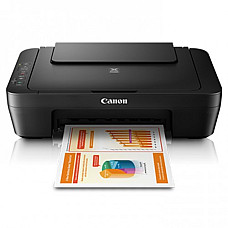
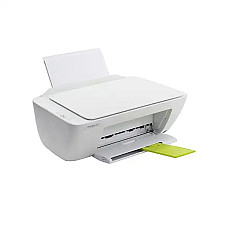
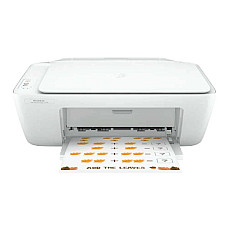
- Multifunction (MFP / all-in-one): Any of the above with a built-in scanner and copier, and sometimes fax.
Bangladesh Realities Our Printer Desk Plans For
A printer that works perfectly in a showroom can still struggle at home or in the office if local conditions are ignored. These are the issues we raise with almost every buyer:
- Load-shedding and voltage swings: Laser printers draw a heavy surge when the fuser heats up, so many small offline UPS units can't handle them. A voltage stabilizer or a properly sized online UPS protects the electronics far better.
- Monsoon humidity: Damp paper curls and jams. Keep reams sealed and away from walls during the rainy season.
- Idle inkjets clog: If an inkjet sits unused for weeks, the print head can dry out. Print one test page a week, or choose a laser if you print rarely.
- Legal-size paper: Many banks, courts and government offices here still use legal-size documents. Check the maximum paper size before buying. The Pantum P2500W, for example, handles legal.
- Refill ink quality: Low-grade third-party ink is the most common reason we see damaged print heads. Brand-matched bottles cost slightly more but protect both the printer and your warranty.
Choosing by Brand: Who Does What Best
- Epson: The pioneer of refillable EcoTank printers; strong in colour, photo and A3 printing, plus dot matrix and POS models.
- Canon: Reliable Pixma ink tanks and compact imageCLASS lasers; excellent value for home offices.
- HP: A wide range from DeskJet all-in-ones to LaserJet Pro office machines, with strong driver and mobile app support.
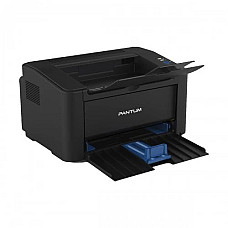
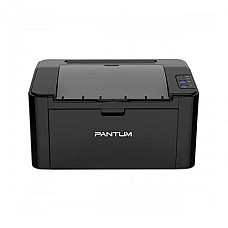
- Pantum: Value-focused mono lasers with high duty cycles; popular with small businesses watching running costs.
- Brother: Durable lasers and label printers that are known for running for years without fuss.
- Rongta and Xprinter: Go-to names for affordable thermal receipt and barcode printers at retail counters.
- Zebra, Evolis and Datacard: Professional label and ID card printing for warehouses, institutions and corporate offices.
Seven Questions to Answer Before You Pay
- How many pages do I print each month? This decides between inkjet, ink tank and laser.
- Do I need colour, or is black and white enough? Mono lasers are far cheaper to run.
- Do I need to scan and copy? If so, pick a multifunction model instead of buying a separate scanner later.
- Who will print? One laptop works fine over USB; a family or office benefits from Wi-Fi or LAN.
- Do I print two-sided often? Automatic duplex saves paper and effort for reports and contracts.
- What paper sizes do I use? Confirm A4, legal or A3 support.
- Are refills easy to find? Choose a model whose ink or toner is regularly in stock locally.
Counter Mistakes We Help Buyers Avoid
- Buying a colour inkjet for an office that prints 90% black text, when a mono laser would cost much less to run.
- Choosing a print-only model and then needing a scanner within a month for ID and certificate copies.
- Picking a USB-only printer for a shared office, which forces everyone to send files to one computer.
- Ignoring the monthly duty cycle and overworking a home printer with business volumes.
Explore Printer Types & Customer Favourites
Shop by printer type:
Proven picks our customers keep coming back for:
Why Customers Trust Computer Village for Printers
Every printer we sell is an authentic, brand-new unit with official manufacturer warranty, and our in-house service centre handles warranty claims without sending your machine across the country. You can compare models in person at our BCS Computer City showroom in Agargaon, pay by card, mobile banking or internet banking, spread the cost with 0% EMI for up to six months on eligible models, and get delivery anywhere in Bangladesh. Our printer team will gladly match a model to your page volume before you buy, so you never pay for features you won't use.
Printer Buying FAQs
How much does a printer cost in Bangladesh?
Basic thermal receipt printers and entry inkjets start at a few thousand taka, home ink tank and mono laser printers sit in the mid range, and network, colour laser, large-format and card printers cost considerably more. Prices change often, so check the live product page for today's rate.
Which printer is best for home use?
For most homes, an ink tank all-in-one is the best balance of colour quality, low running cost and scan/copy features. If you print only a few pages a month, a basic inkjet is enough.
Is a laser or an ink tank printer better?
Choose laser if you mostly print black text in volume and want speed. Choose an ink tank if you need regular colour or photo printing at a low cost per page.
Which printer is best for a small office?
A mono laser with Wi-Fi or LAN and automatic duplex suits most small offices. Add a multifunction model if staff scan documents often.
Which printer do I need for my shop's receipts?
A thermal POS printer. Use 58mm for compact receipts or 80mm for detailed bills, and check that it supports your POS software over USB, LAN or Bluetooth.
Can I run a laser printer on a UPS?
Usually only a properly sized online UPS can handle it, because the fuser draws a high surge at start-up. Most homes and offices are better served by a voltage stabilizer for a laser printer.
Do printers from Computer Village come with warranty?
Yes. Every printer includes official manufacturer warranty, backed by our in-house service support.
Can I buy a printer on EMI?
Yes. Eligible printers are available with 0% EMI for up to six months through partner banks; the product page shows the exact options.